 Siew Dai
Sign up and add your café
Sign-up isn't open to everyone yet. Write to hello@siewdai.app for a place, then sign up at admin.siewdai.app/admin/sign-up with that email and enter the code we send you.
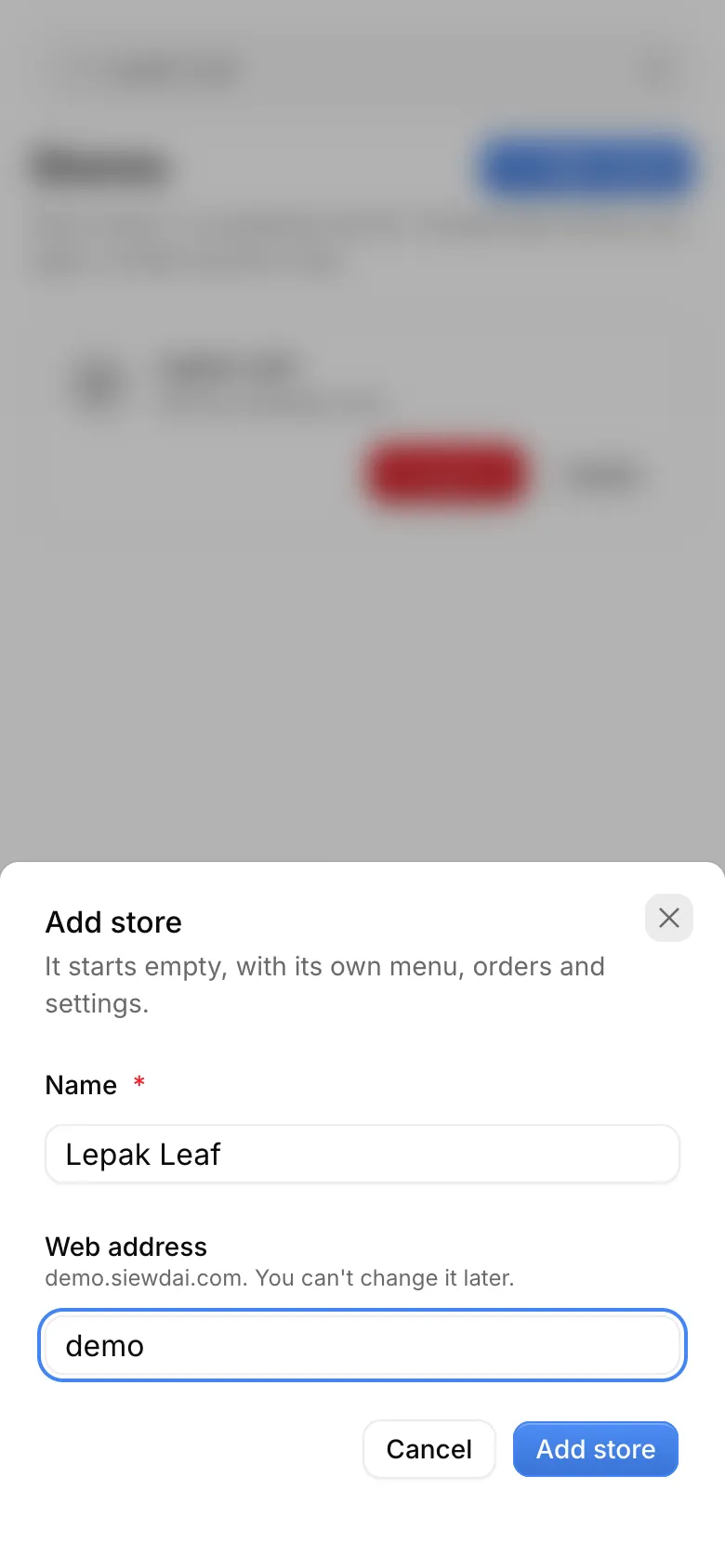
Then add your café: its name and its web address, such as yourcafe.siewdai.app.
Follow the setup checklist
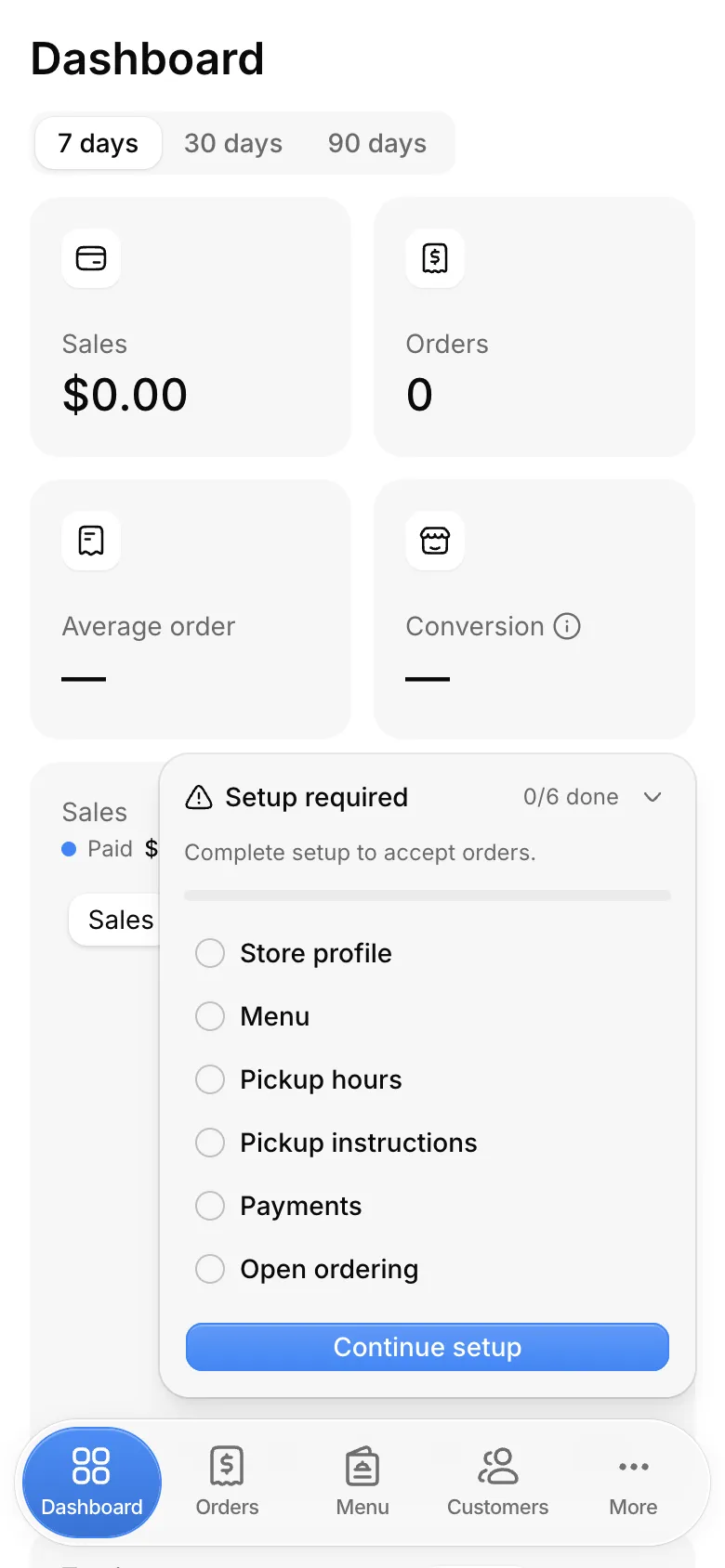
Your café starts empty. The setup checklist on each admin page lists what's left. Tap a step to open its page, or Continue setup for the next one.
Customers can't order until every step is done.
Store profile
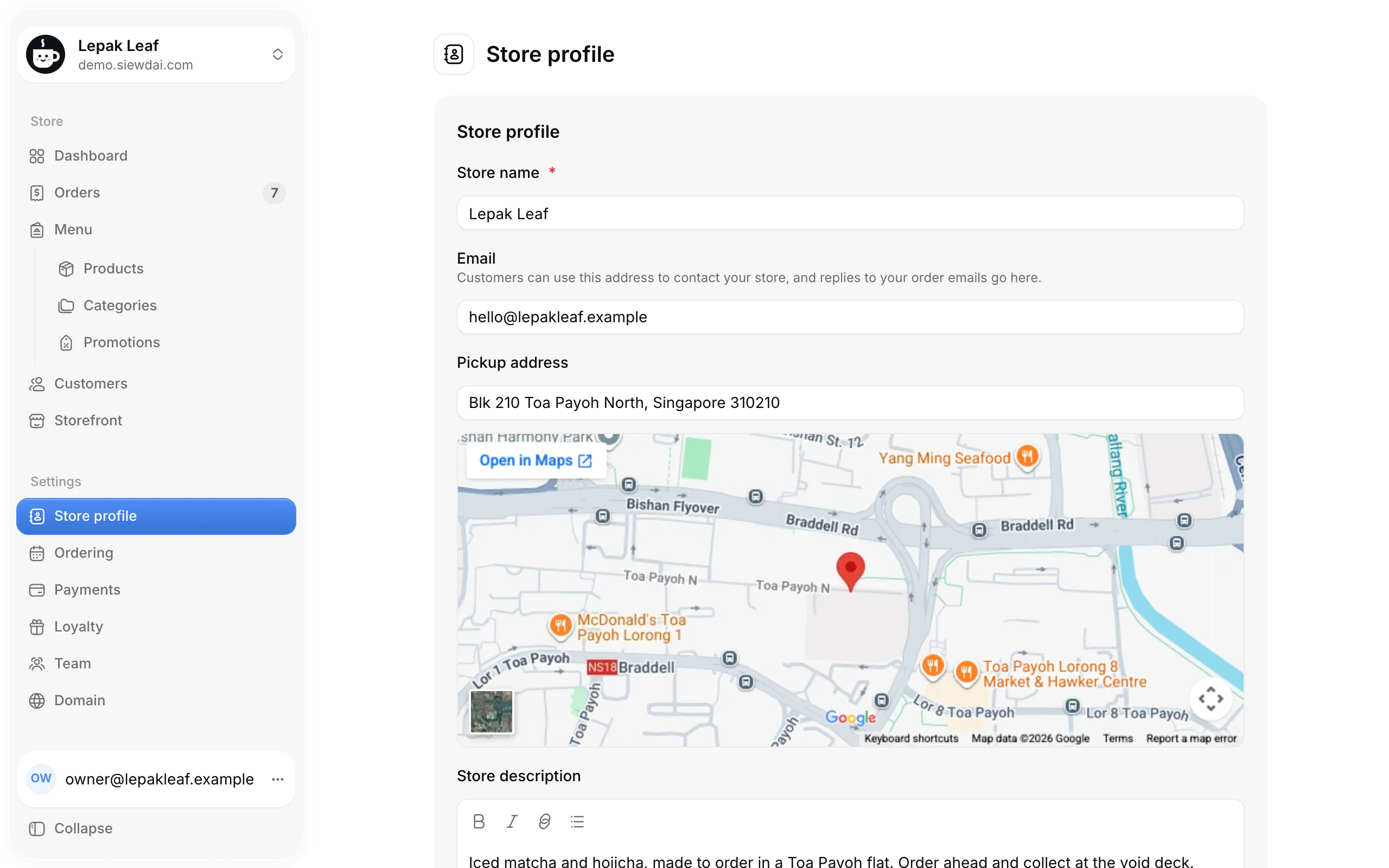
In Store profile, your café's name is already filled in. Add a WhatsApp or SMS number so customers can reach you.
An email, pickup address, description and logo are optional.
Menu
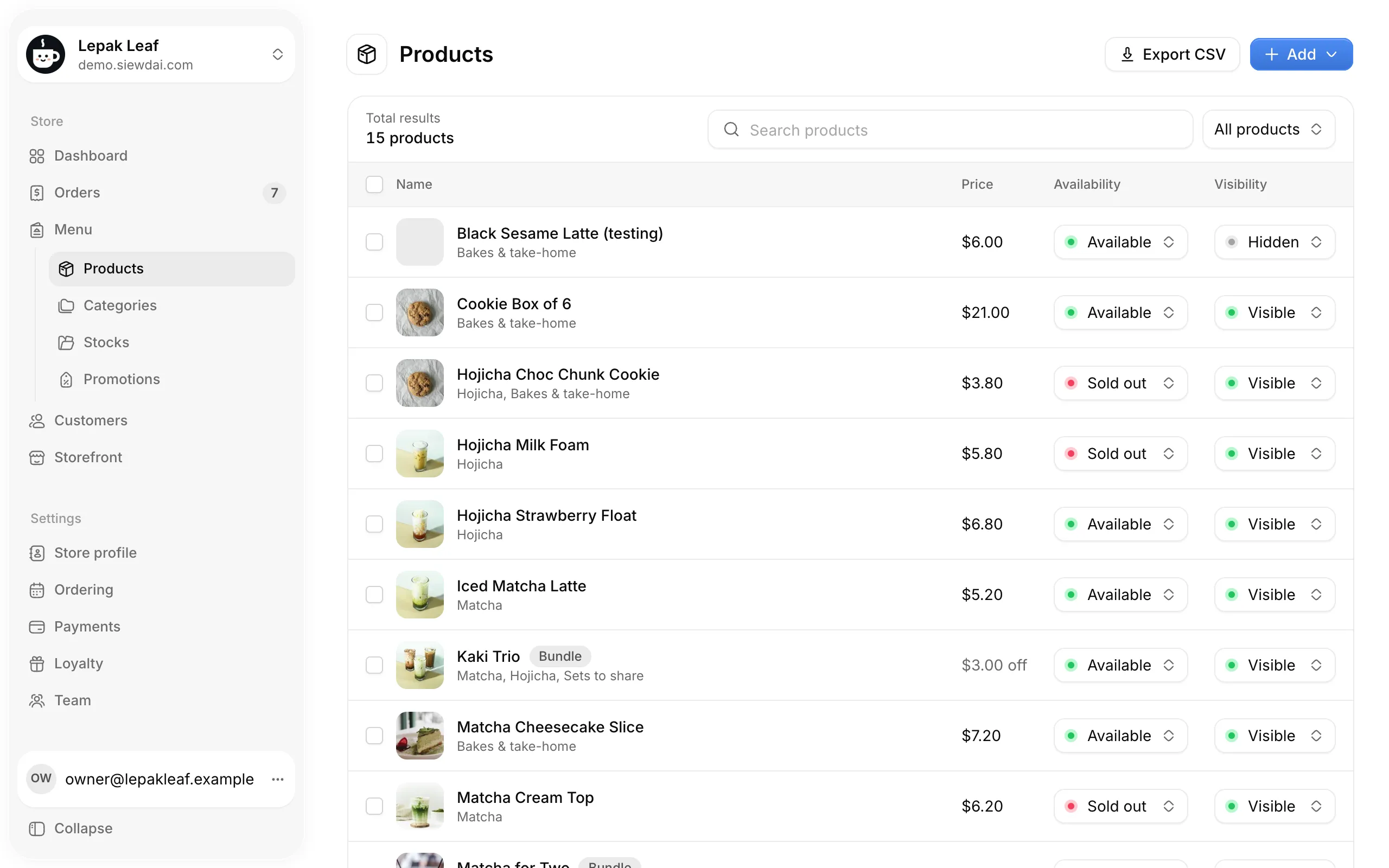
In Menu, add your products with Add, then Product: a name, price, photos and categories.
Customers see products through your storefront's sections. In Storefront, under Appearance, add a Product category section for each category to show.
Pickup hours
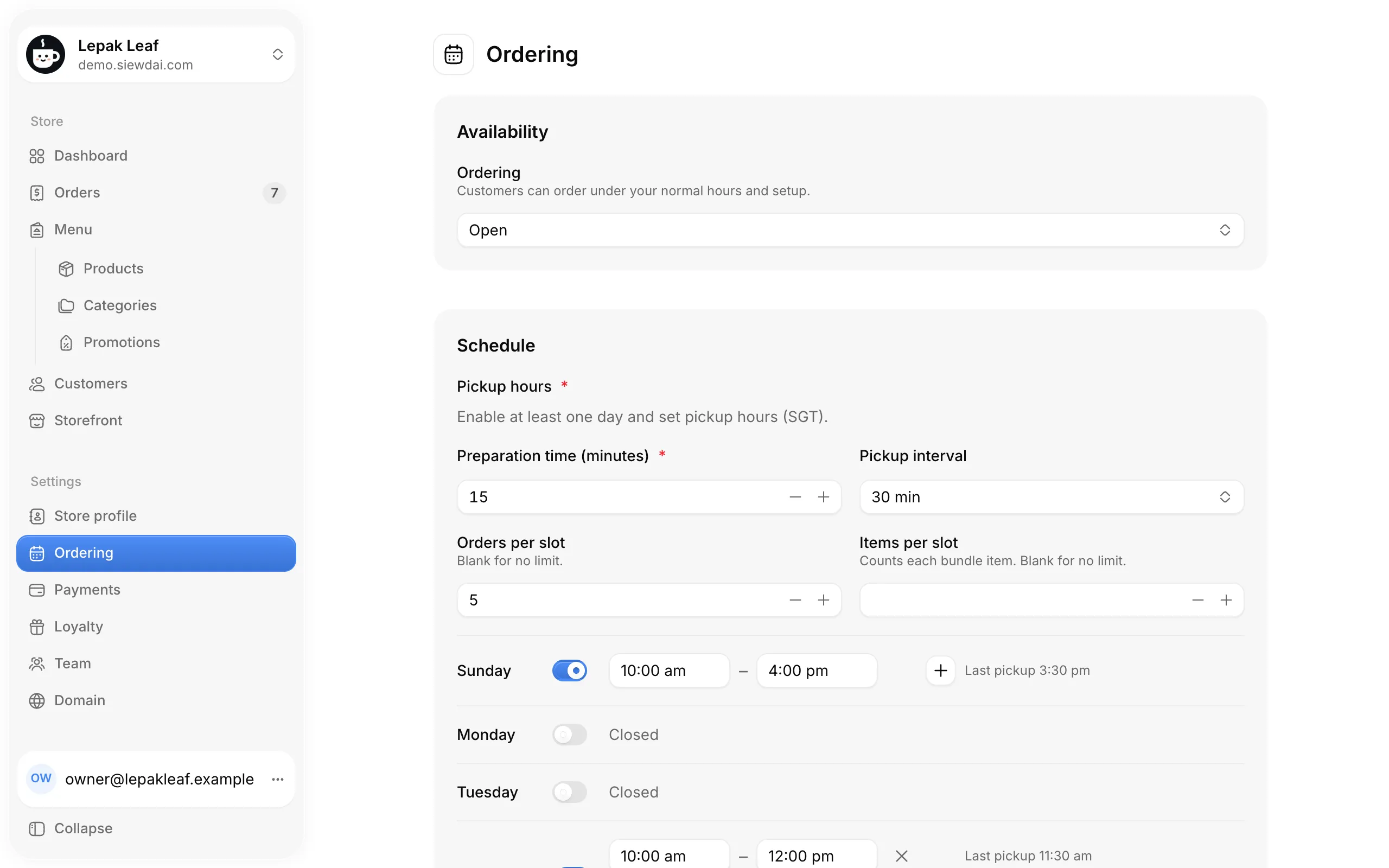
In Ordering, turn on the days you take pickups and set their hours, in Singapore time. Preparation time, the pickup interval and the limits per slot decide which times customers can choose.
Pickup instructions
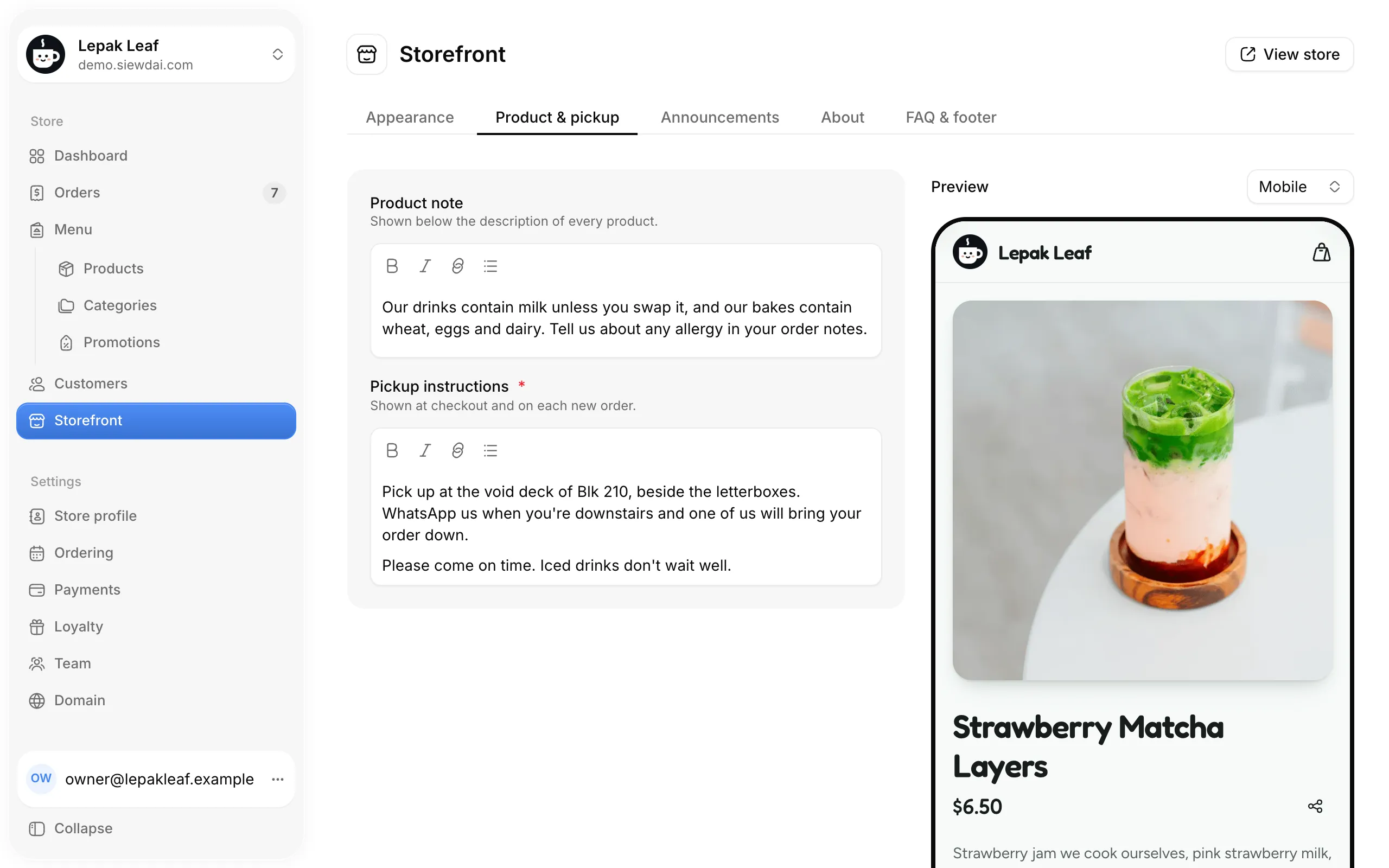
In Storefront, under Product & pickup, tell customers where and how to collect. They see it at checkout and on each new order.
Payments
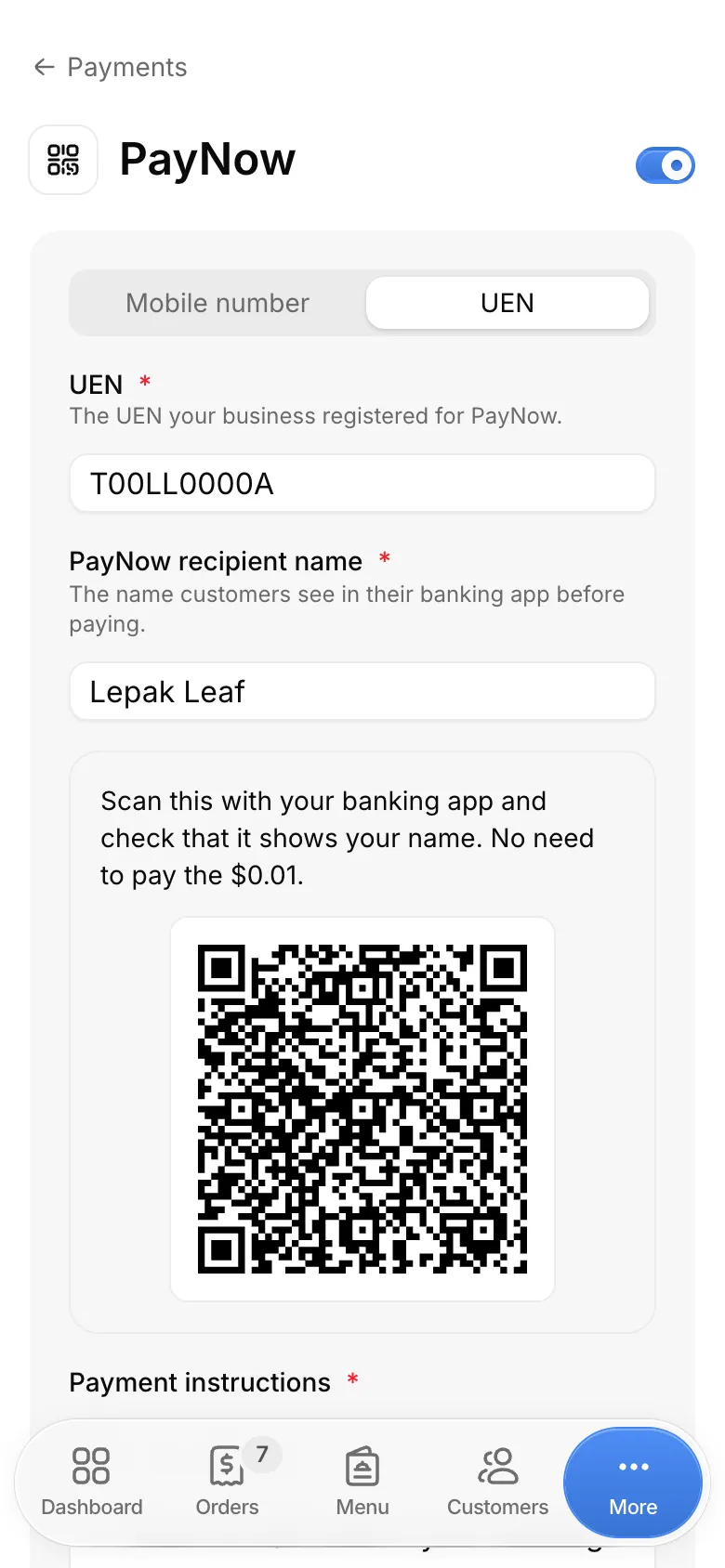
In Payments, set up PayNow, card or both. PayNow needs PayNow mobile or UEN, PayNow recipient name and Payment instructions. Then turn it on with the switch at the top. Card needs a connected Stripe account.
Taking payments covers both.
Open ordering
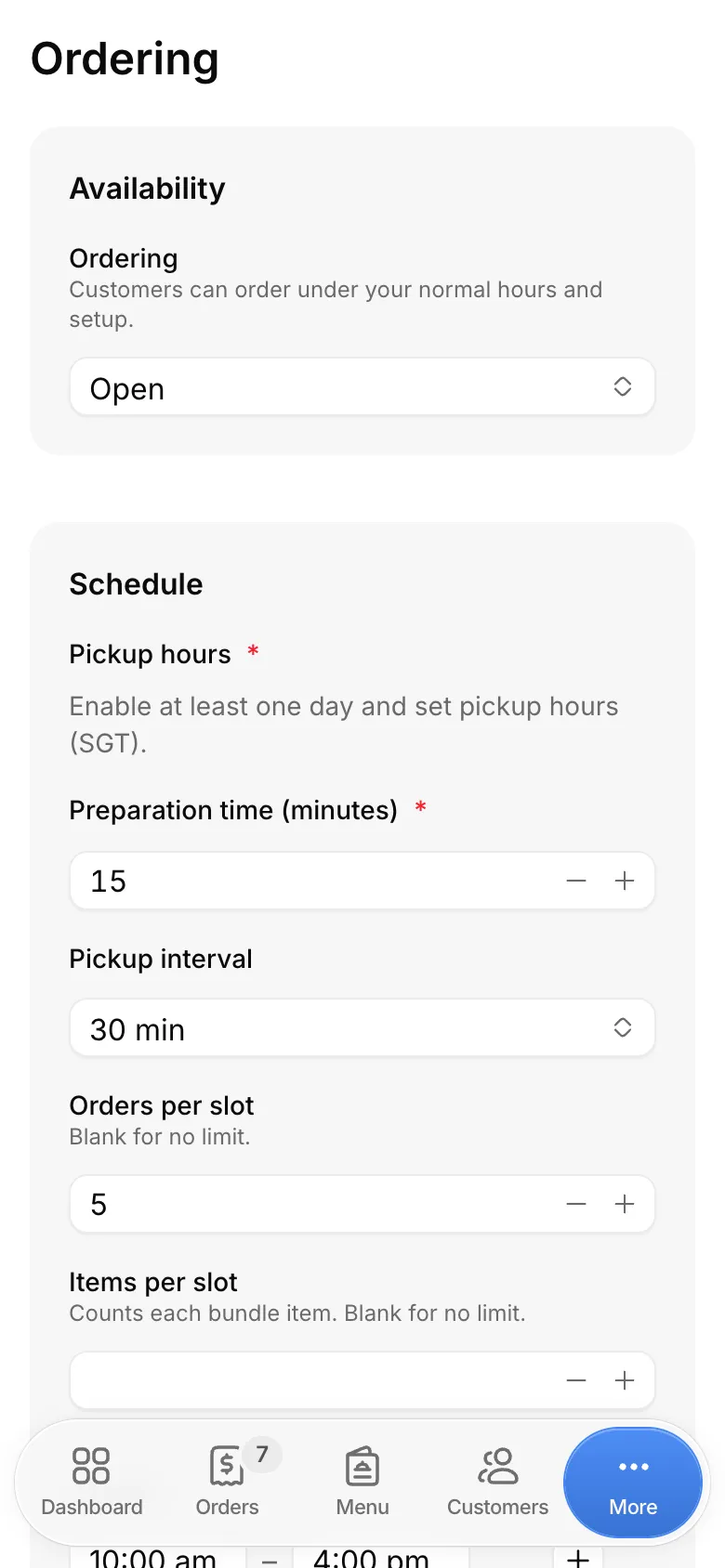
A new café starts Paused: its storefront shows, but it takes no orders. When you're ready, set Ordering to Open in Ordering.


Your storefront
Customers order at your web address, such as yourcafe.siewdai.app. Open it from View store in Storefront, and share it wherever your customers find you.
New orders show in Orders. Turn on order alerts to hear about each one.

Read next
Order alerts on your phone
Install the admin and turn on push notifications.
Taking payments
Set up PayNow and card, paid straight to you.
Limits and settings
What you can change, and what is fixed.
Still stuck? Write to hello@siewdai.app.