 Siew Dai
Sign in with your email
On the café's menu, tap the account icon at the top, then Rewards. Enter the email you order with and tap Send code.
We email you a 6-digit code that works for 10 minutes. Enter it and tap Verify. There's no account or password.
You then see your stamps, rewards and orders at that café, on that device only, for 90 days. Tap Sign out next to your email to sign out.
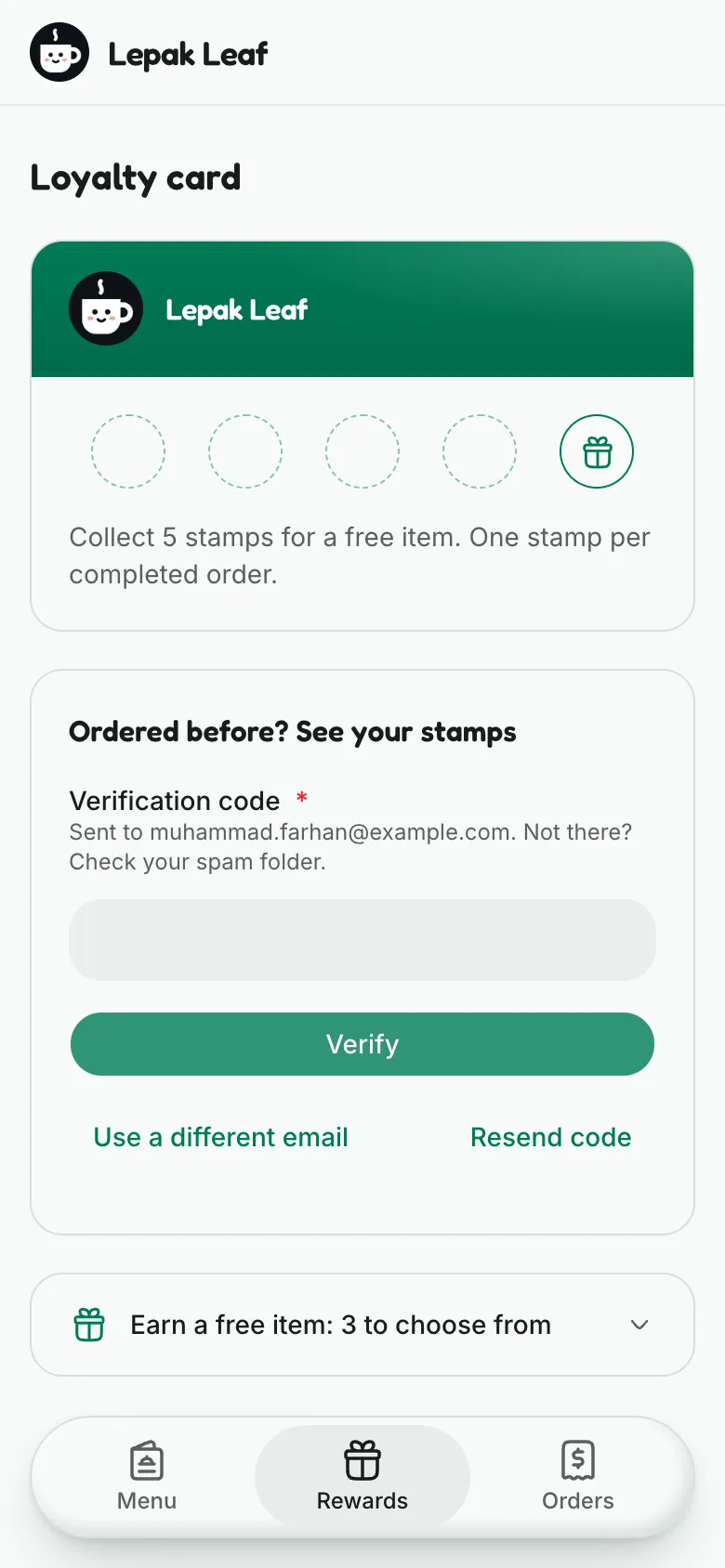
Collect stamps
Each order earns one stamp, once the café marks it both completed and paid. It doesn't matter how many items are in it.
You don't need to sign in to earn. Stamps go to the email on the order, so orders from before you signed in count too. Use the same email each time.
Stamps expire 365 days after your last one. Each new stamp starts that again.
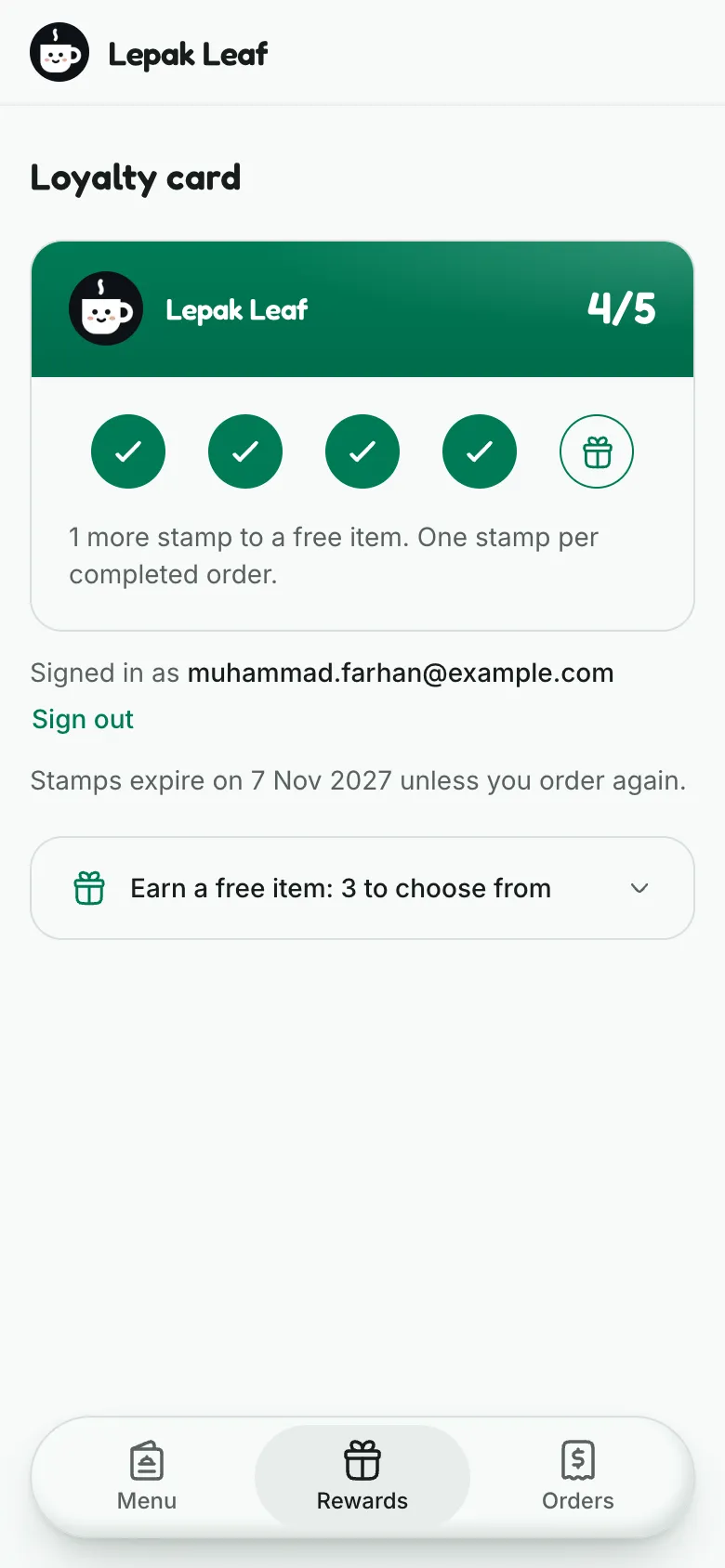
Get a free item
The card marks each milestone with a gift, such as a free drink at 5 stamps and a free cake at 10. When a stamp reaches one, you get its reward: one free item from the ones the café chose for that milestone. We email you "Your reward is ready".
Stamps toward later milestones stay on the card. Each milestone gives its reward once per card. After the last milestone, or when your stamps expire, the card starts again.
A reward lasts 365 days. If it's still unused 14 days before then, we email you "Your reward expires soon".
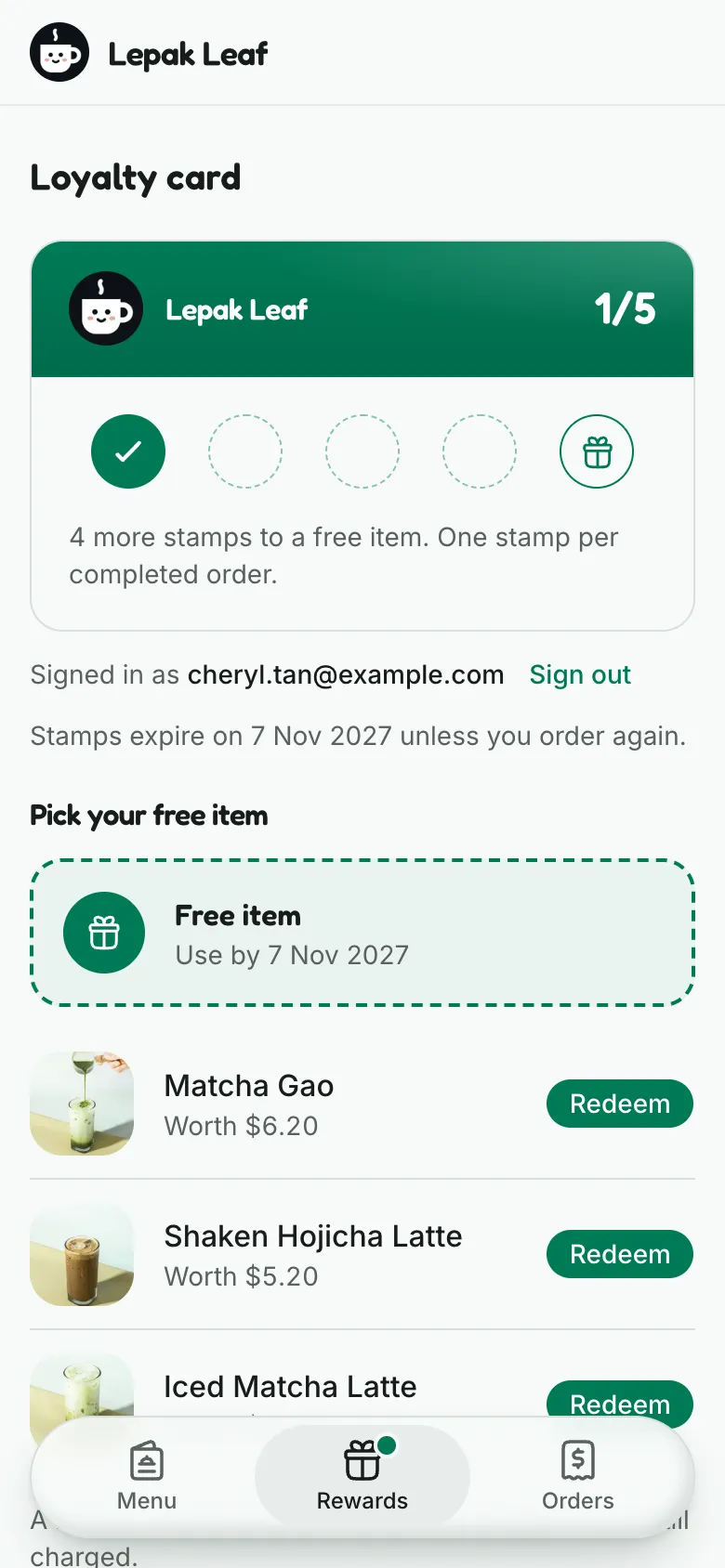
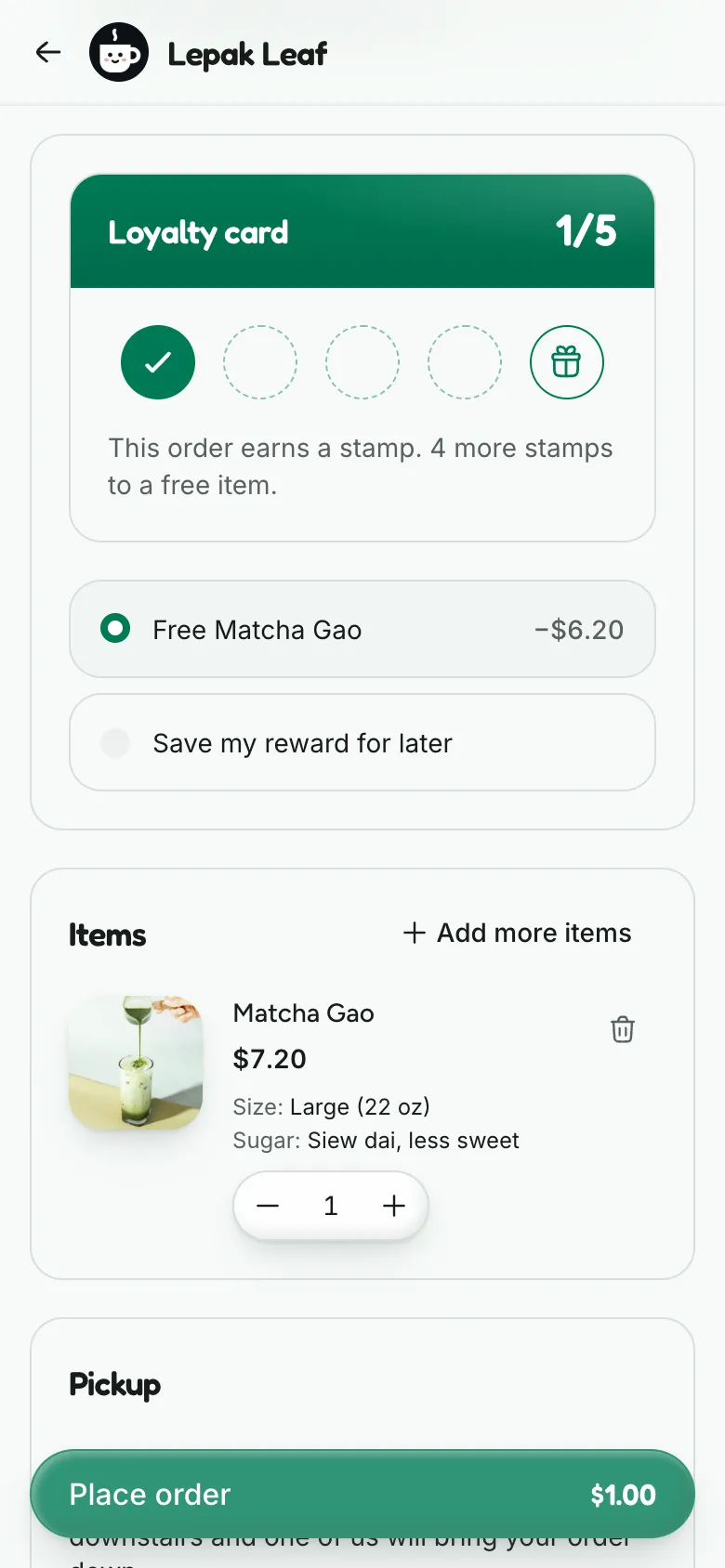
Use it at checkout
While signed in, tap Redeem next to an item, then Add to bag. Checkout opens with that item free. A reward item you add from the menu works too.
At checkout, the loyalty card picks the priciest item in your bag that one of your rewards covers. Choose another, or Save my reward for later. One reward per order.
The reward covers the item's menu price. Paid options, such as a bigger size, are still charged.


Questions
My stamp hasn't appeared
It lands once the café marks your order both completed and paid. Check that you signed in with the email on that order. Still missing? Ask the café, which can add stamps by hand.
I order with more than one email
Each email has its own card, and stamps don't move between them. Use one email to fill one card.
The café cancelled or refunded an order
If it used your reward, the reward goes back on your card until it expires. If it had earned a stamp, the stamp comes off, unless your card has since filled and started again. Rewards you already got stay yours, and reaching that milestone again before your card starts again gives no second one.
My free order earned no stamp
An order your reward makes free earns no stamp. Add something else and it earns one as usual.
I have more than one reward
Each order uses one. Checkout picks the one that frees the priciest item in your bag, and you can switch to another.
The café changed its milestones
You keep your stamps and rewards. A reward you hold is spent on the items the café now chooses for its milestone, until it expires.
The code didn't arrive
Check your spam folder, then tap Resend code. You can ask for a new code after 1 minute.
I can't find Rewards any more
The café has turned rewards off. Your card comes back if it turns them on again, but rewards still expire on their date.
Read next
Missing a stamp or reward? Contact the café. Their details are on your order page.